
How to Create a Funeral Tribute Film — Step-by-Step Guide
A funeral tribute film is a short, carefully crafted video that tells the story of someone's life using photos, video clips, music and, sometimes, words from family and friends. It can be played during the funeral or celebration of life, shared afterwards with relatives who couldn't attend, and kept as a lasting keepsake for future generations.
Unlike a simple slideshow, a tribute film is edited with more attention to pacing, structure and narrative — so it feels like a small film about the person rather than just a sequence of images.
I create tribute films for families across the UK as part of my funeral slideshow and tribute film service and my funeral videography work. A tribute film can sit alongside a funeral live stream or a more traditional funeral video, or simply stand on its own as a way of sharing memories at the service and online afterwards.
This guide explains what a tribute film is, when it might be right for your family, and the steps involved — whether you create it yourself or ask me to create it for you.
Tribute Film or Slideshow — Which Do You Need?
Both tribute films and funeral slideshows use photos and music to remember someone, but they serve slightly different purposes.
A funeral slideshow is usually a sequence of still images, gently paced to one or two songs, designed mainly to be played once during the service or reception. It is often simpler and shorter, and works well when time is tight and the focus is on a single moment in the order of service.
A tribute film goes a little further. It might still be built around photographs, but it can also include short video clips, voice recordings, written captions, titles, and sometimes spoken words recorded by family members. The images are arranged to tell more of the story of a life — childhood, family, friendships, interests, work, faith, travel, community — and the pacing is adjusted more carefully to match the music and the natural rhythm of the story.
You might lean towards a tribute film if:
You have a lot of meaningful photos and some video clips you'd like to include
There are family members who can record short voice messages or memories
You want something that can be watched again quietly at home as well as during the funeral or celebration of life
Many families choose to have a simpler slideshow for the main service and a more detailed tribute film to share afterwards or at a separate celebration of life. For inspiration, you can view 5 examples of tribute films and slideshows to see how different approaches work in practice.
Step 1: Gathering Photos and Video Clips
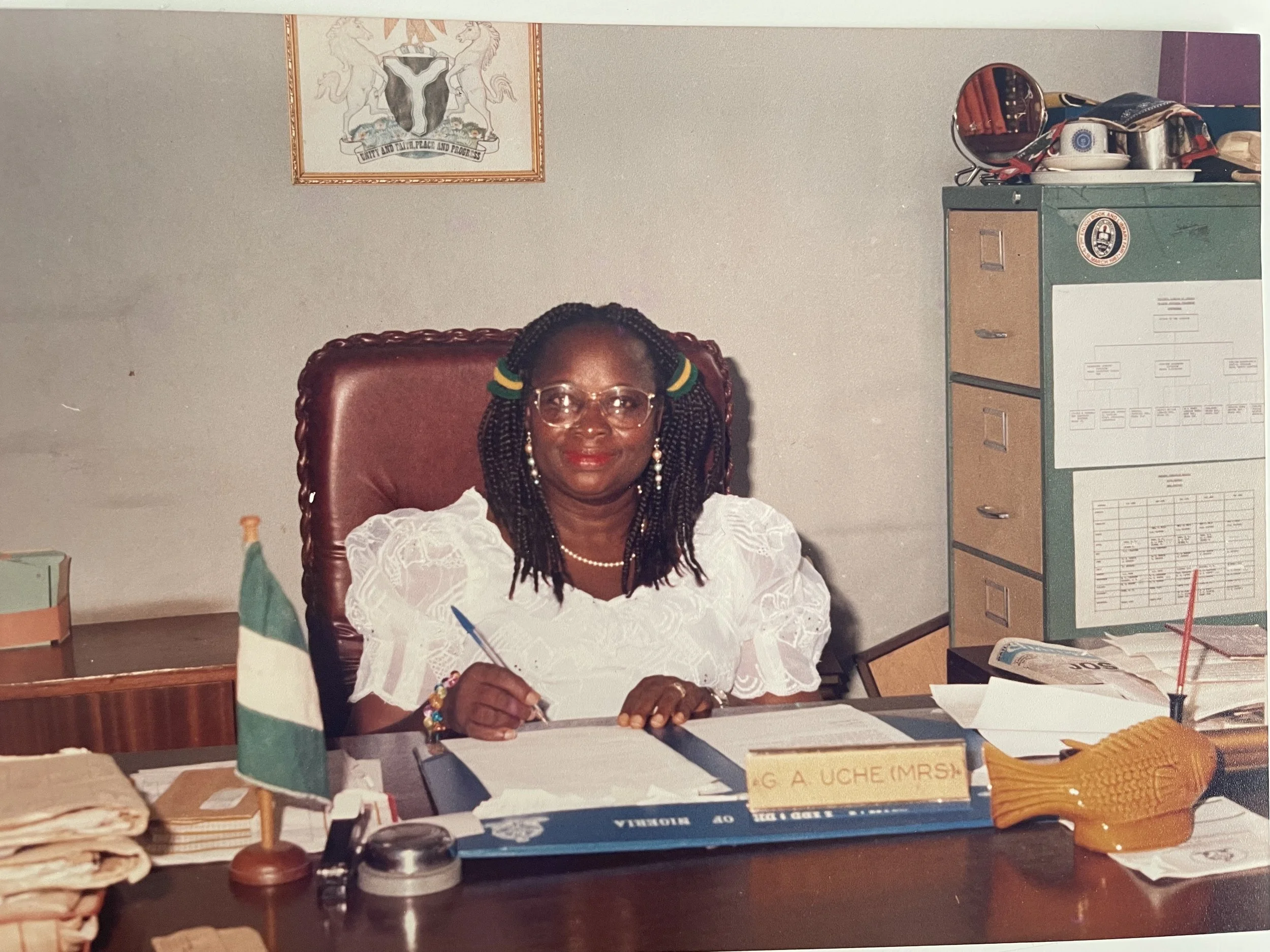
The first step is gathering the photos and video clips that best represent your loved one's life. These might include old family portraits, childhood pictures, school and university days, weddings, new babies, holidays, hobbies, community events, and quiet everyday moments that capture their personality.
It is completely normal for images to be spread across phones, laptops, old albums and social media. Part of my role is to help you bring them together.
If some of your photos are printed rather than digital, there are two options:
You can digitise them yourself using a scanner or photographing them carefully in good light
I can help by scanning your printed photos, either by arranging a courier or visiting locally where practical
Most tribute films work well with around 40–80 photographs, which usually creates a film in the range of 3–7 minutesdepending on the music and pacing. If you have many more than this, I can help you select the most important images, or we can discuss creating a longer version for private viewing at home rather than during the main service.


Step 2: Choosing the Story You Want to Tell
Before editing begins, it helps to think about the kind of story you'd like the film to tell. Some families prefer a simple chronological journey from childhood to recent years; others prefer to group images by themes — family, friendships, work, hobbies, travel, community life. There is no right or wrong approach — it is simply about what feels most true to the person and most comforting for those watching.
A few gentle questions that can help:
Are there particular periods of their life you want to emphasise — early childhood, a long marriage, years in a particular community or workplace?
Are there people or relationships that absolutely must appear in the film?
Are there any images you'd prefer to keep private and not include?
When you work with me, you can either leave the structure largely to me — I'll arrange the photos into a natural, flowing story — or give me some guidance about the order. If you have a clear sequence in mind, you can simply number or label your files before sending them.

Step 3: Selecting Music for the Tribute Film
Music plays a significant role in how a tribute film feels. A piece that meant a lot to the person, or that the family strongly associates with them, can make the film feel deeply personal and familiar. Other times, families choose gentle instrumental pieces that support the images without drawing too much attention to themselves.
When choosing music, it helps to consider:
Whether the film will be played during a quiet, reflective part of the service or in a more relaxed setting such as a wake or celebration of life
Whether you want the tone to be reflective and gentle, or more uplifting and celebratory
How long the track is and how that will affect the length of the film
I can work with one carefully chosen piece of music or, for longer films, a combination of tracks. If you're unsure, I'm happy to suggest options that fit the mood and length you have in mind. For more ideas on music choices see my guide on best songs for a funeral slideshow, which covers how to match music to tone and format.
Step 4: Sending Me Your Files
Once you've gathered your photos and video clips and have a rough idea of the story and music, I'll provide a secure private upload link so you can drag and drop files directly from your computer or phone.
If you'd like me to follow a specific order, you can:
Rename your files with simple numbers (01.jpg, 02.jpg, 03.jpg) in the order you'd like them to appear, or
Place them into folders labelled "childhood", "family", "friends", "later years" and so on
If you're not sure, simply send everything and I'll arrange the sequence in a way that feels natural, always keeping the overall length and service setting in mind. I'll also check the quality of each file and may gently crop or adjust images so they display well on screen.

Step 5: How I Edit and Shape Your Tribute Film
When I edit your tribute film, I pay close attention to pacing, flow and emotional tone. Each image is timed carefully — usually appearing on screen for 3–8 seconds depending on its detail and emotional weight — and transitions are kept simple and gentle so nothing distracts from the photographs themselves.
Where appropriate, I can include:
Simple titles at the beginning and end ("In loving memory of…" with dates)
Short captions on certain images — names, places or meaningful phrases
Thoughtful use of slow zooms or pans on still images to draw attention to important details
Short video clips blended between the photos if you have them
When music is part of the film, I synchronise images and changes to the natural rhythm and emotional turns in the track, so the film feels cohesive rather than rushed or uneven. The result is something steady, gentle and respectful — allowing people to recognise familiar faces and moments without feeling overwhelmed.
Step 6: Reviewing and Approving Your Tribute Film
When your film is ready to preview, I'll send you a private link so you can watch it in your own time, either alone or with close family. This is your opportunity to check that everything feels right and to request any small adjustments.
As you watch, look for:
Whether the overall length feels comfortable for where you plan to show it
Whether the sequence of photos feels natural and balanced
Whether there are any images you'd like swapped, removed or added
Whether the music and images feel in harmony
Whether any text needs correcting or simplifying
I normally include up to two rounds of small revisions with each tribute film. Most families are happy with the first version, but I want you to feel that the film truly reflects the person you're remembering — this is something you may return to for many years to come.
Once you're completely happy, I'll provide a final downloadable version in a high-quality format suitable for playing at the funeral or celebration of life and for keeping afterwards.
Step 7: Playing and Sharing the Tribute Film
A tribute film can be used in several ways:
During the funeral or celebration of life — on a screen at the front or in a side room, often while guests are arriving or during a reflective moment in the service.
At the wake or reception — playing on a loop in the background, alongside printed photos or a memory table.
Shared privately online — via a secure link or download, so relatives and friends who couldn't attend can watch in their own time.
Kept as a family keepsake — viewed again on anniversaries or shared with children and grandchildren who were too young to remember the person clearly.
If I'm also providing funeral live streaming, I can integrate the tribute film into the live broadcast so that those watching online see it full screen as part of the ceremony — not as a distant screen in the background of a camera shot. I can also coordinate with your funeral venue or provide funeral AV support to ensure the film plays smoothly on the day with clear sound and no technical issues.
When to Ask for Help Creating a Tribute Film
Some families are comfortable handling the whole process themselves. For many others, the combination of time pressure, emotion, and technology can make it feel like a lot to manage on top of everything else involved in arranging a funeral. That's completely understandable.
You might find it helpful to ask me to create the tribute film for you if:
Your photos and videos are scattered across many devices and family members
You're short on time and would rather focus on the service and family than software
You'd value a calm, experienced pair of hands to shape the story gently and sensitively
You want the reassurance that the film will be ready, tested, and in the correct format for the venue
My role is to make this as straightforward and thoughtful as possible — guiding you through each step and taking care of the technical side so you can concentrate on what matters most.
My funeral slideshows and tribute films page explains how the service works in practice, with pricing from £220.
Common Questions About Funeral Tribute Films
How long should a funeral tribute film be?
Most tribute films I create are between three and seven minutes long. Shorter films work well during a main service slot, while longer versions suit a wake or can be shared privately afterwards. The right length depends on the setting, the number of images you want included, and how much time you have in the order of service. My guide on how many photos should a funeral slideshow have covers the relationship between image count and running time in more detail.
Do I need special software to make a tribute film?
You can create a simple film using common tools like PowerPoint, Keynote or basic video-editing apps. But many families prefer to let me handle the editing so they don't have to learn new software at a difficult time. I use professional editing tools, but the important part is not the software — it's the care taken in choosing images, pacing them well, and matching them to music.
What if I only have printed photos and no digital copies?
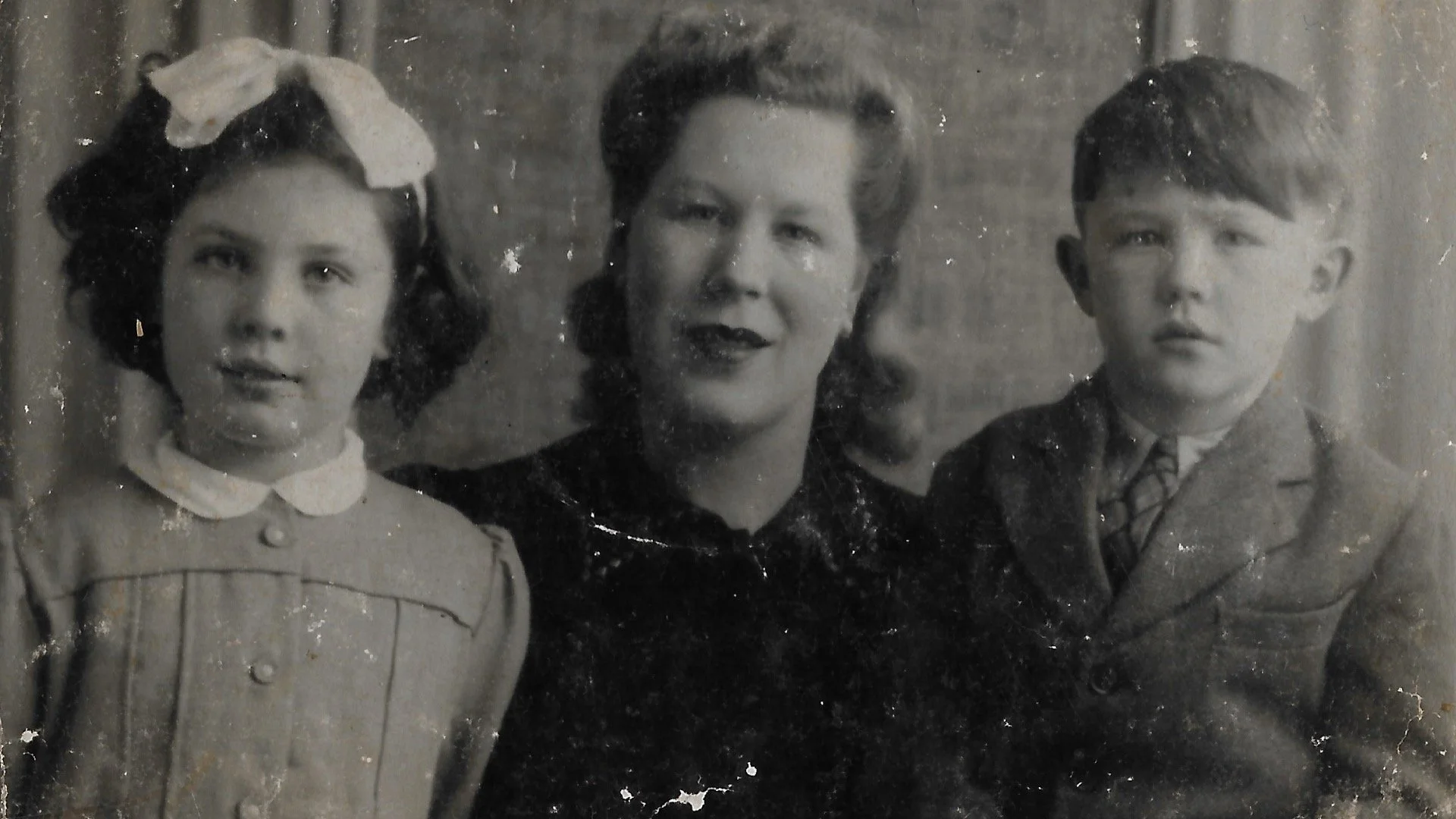
That's very common, especially for older relatives. I can either guide you through scanning or photographing them at home, or provide a scanning service to digitise them for you. Once they're digitised, they can be used in your tribute film and kept safely for future slideshows, memory books or family archives.
Ready to Get Started?
I'm Shaun, and I handle every tribute film personally from your first enquiry through to the final file. Whether you already have everything ready or are just starting to think about it, I'm always happy to talk things through before you commit to anything.
Call or text me on 07772 509101 — I'm available seven days a week from 9am to 10pm — or get in touch online.
Related guides: